
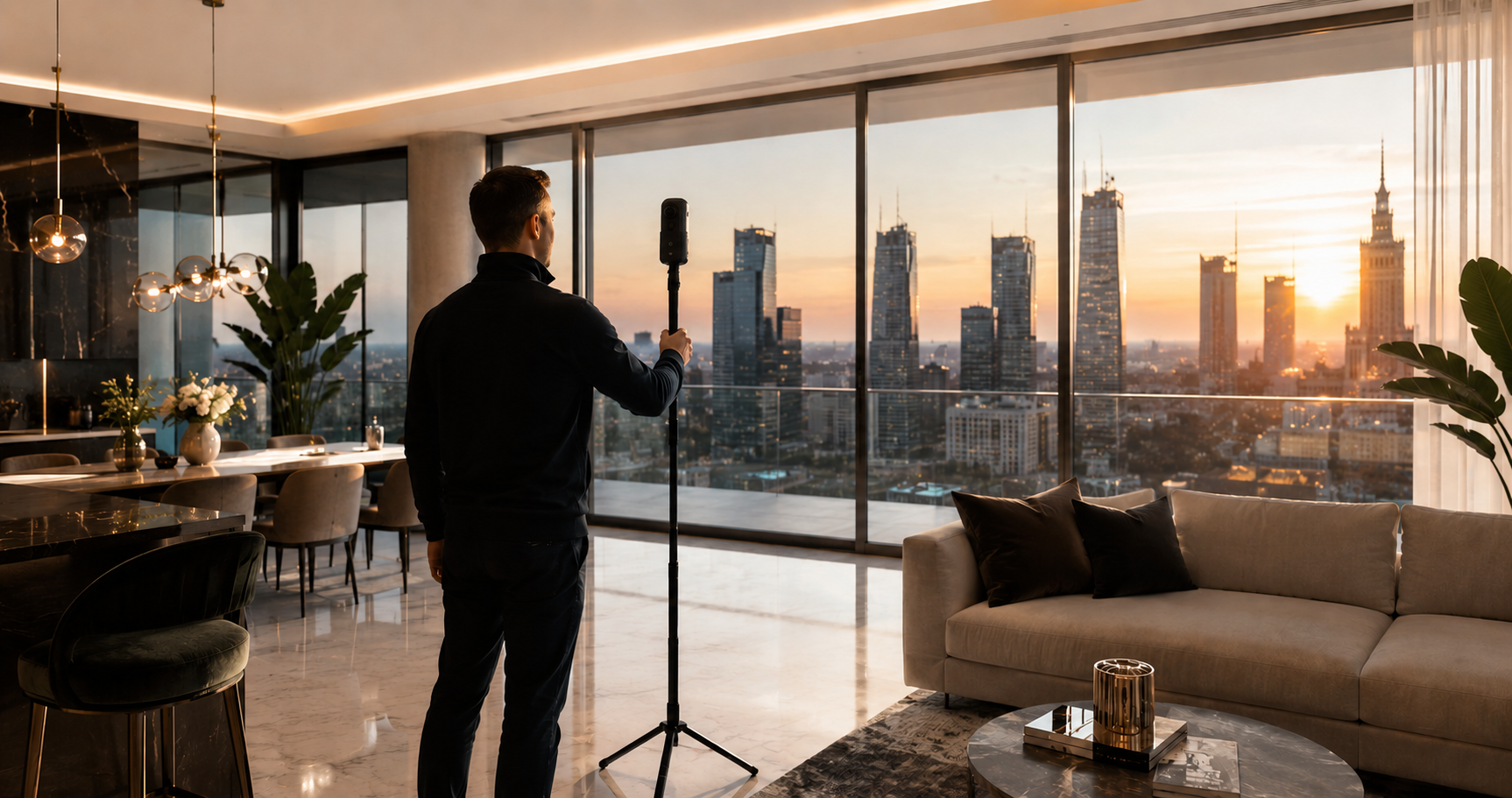
360° virtual tours in WordPress
Estate Office Property Tour
Create interactive property presentations with panoramas, room-to-room navigation, and a floor plan. Everything directly in the WordPress dashboard.
- 360° panoramas
- Interactive floor plan
- Link and iframe
From images to a finished presentation
Show the layout of the property, not just individual frames
Property Tour organizes panoramic images into rooms and shots. It then connects them into one route that visitors can explore on their own.
The floor plan and room list help visitors stay oriented, while the finished tour can be shared with a direct link or embedded on a listing page.
Tour editor
Build the presentation in a structured workflow
First define the property structure, then connect the views and decide how visitors move through the tour.
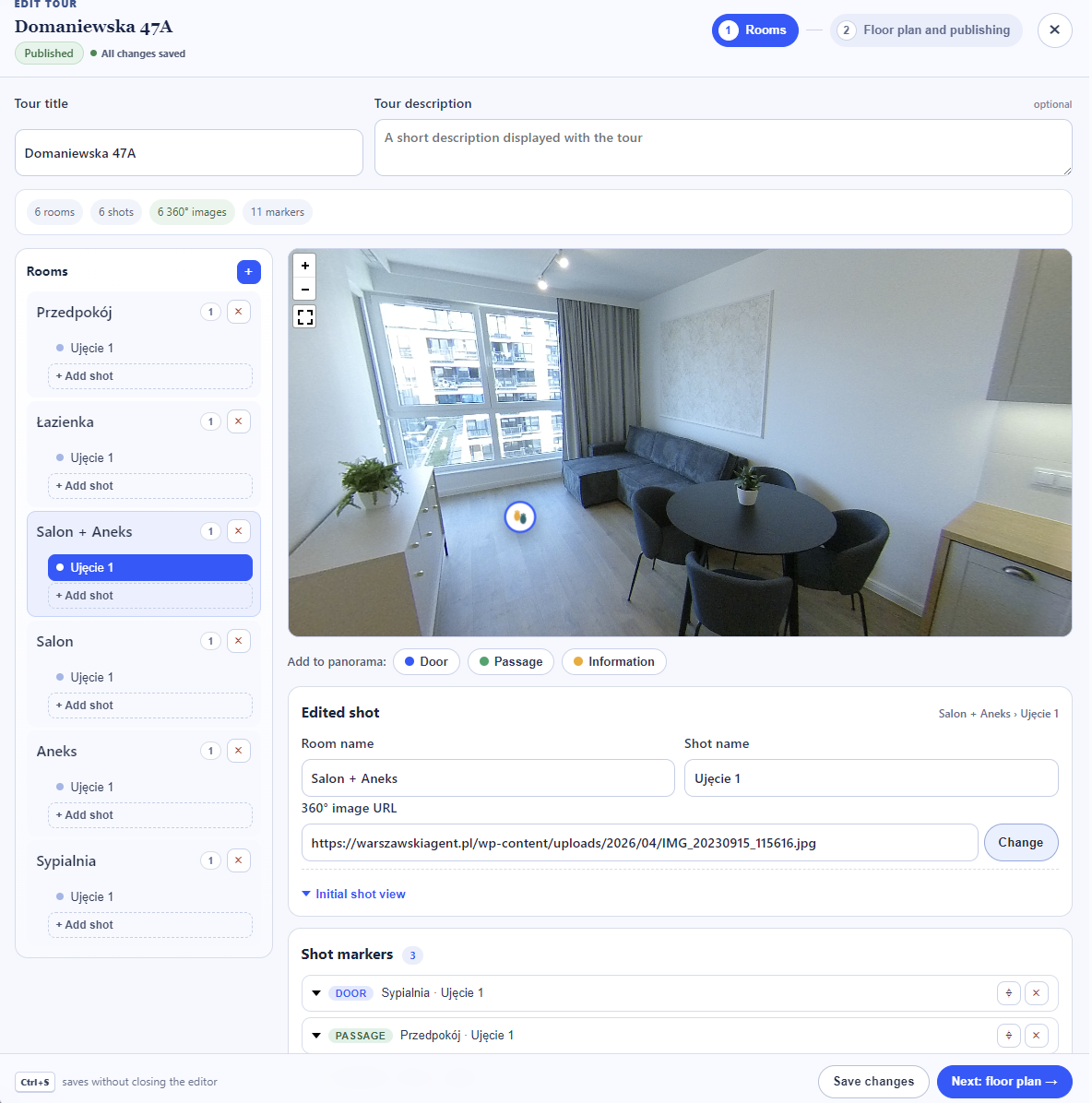
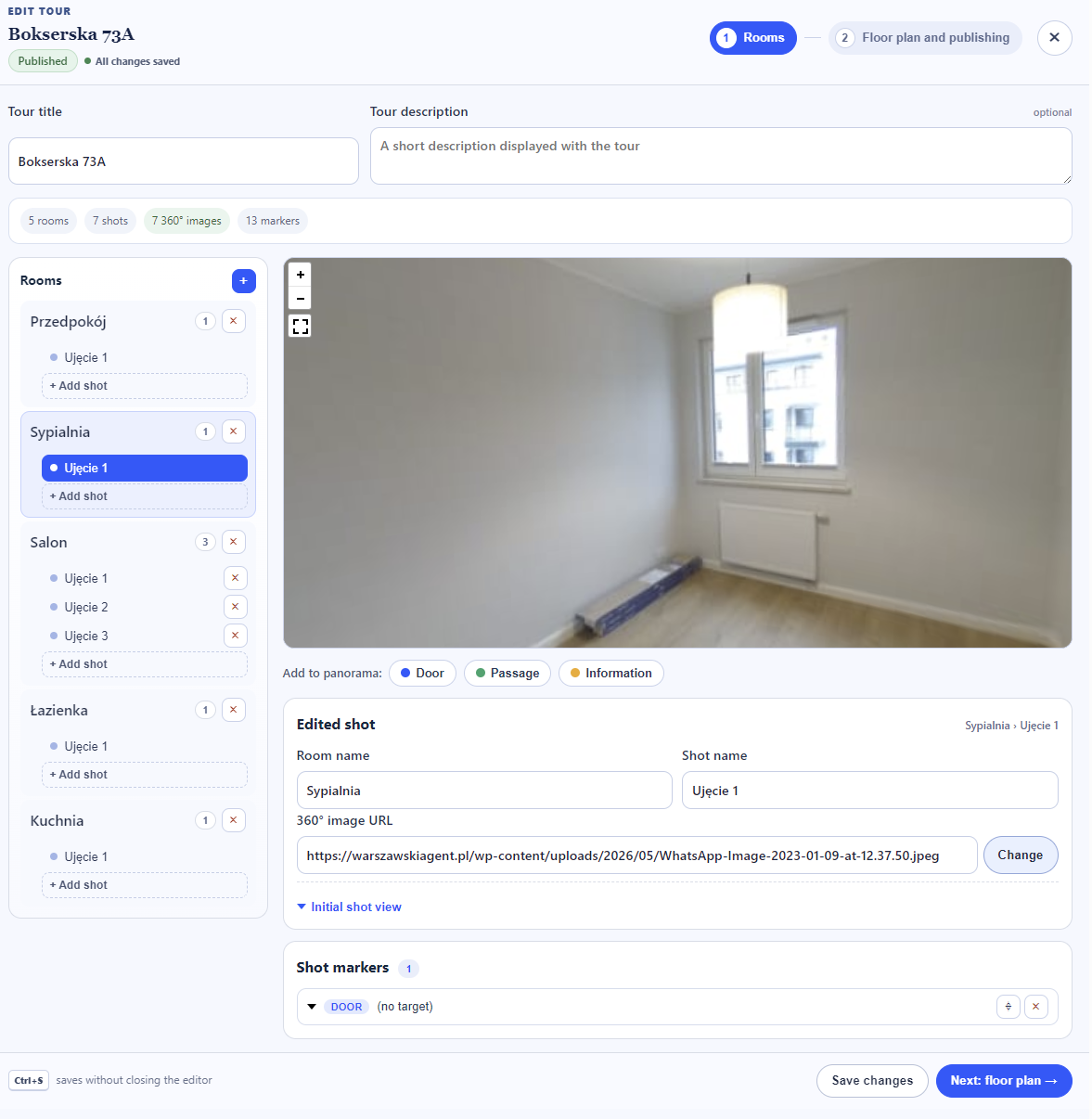
Rooms and shots
Start with a logical property structure
Add rooms, assign panoramas to them, and name each shot so editing and navigation remain clear.
- any number of rooms and shots in a tour
- quick switching between edited panoramas
- previewing changes without leaving the editor
Interactive floor plan
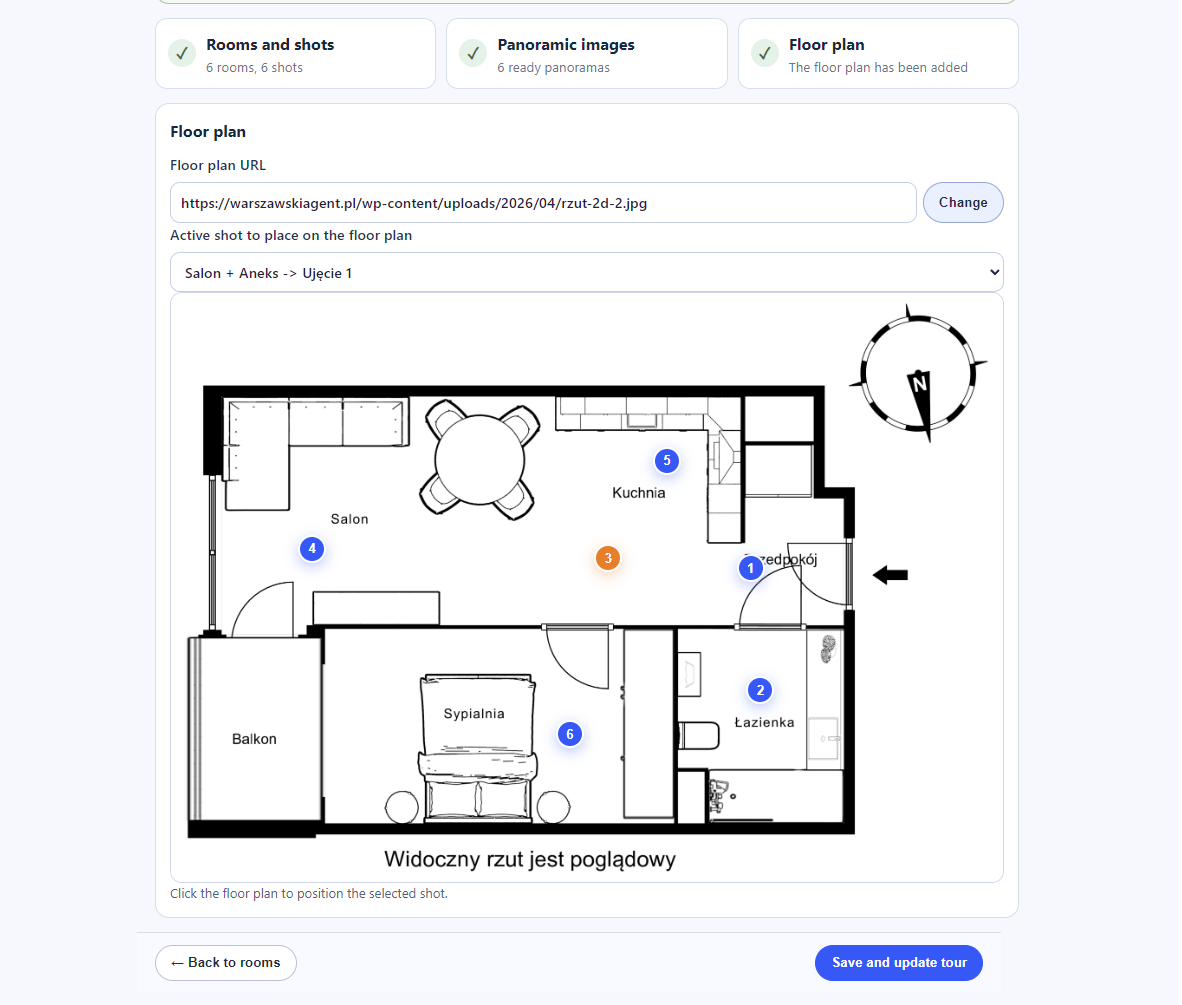
Place every shot exactly where it was taken
Add a property floor plan, select the active shot, and mark its position. Visitors can then open rooms directly from the plan.
Finished tour
Let visitors explore the property on their own
The large panorama remains the primary view. Additional navigation helps visitors open a specific shot and check its position on the floor plan.
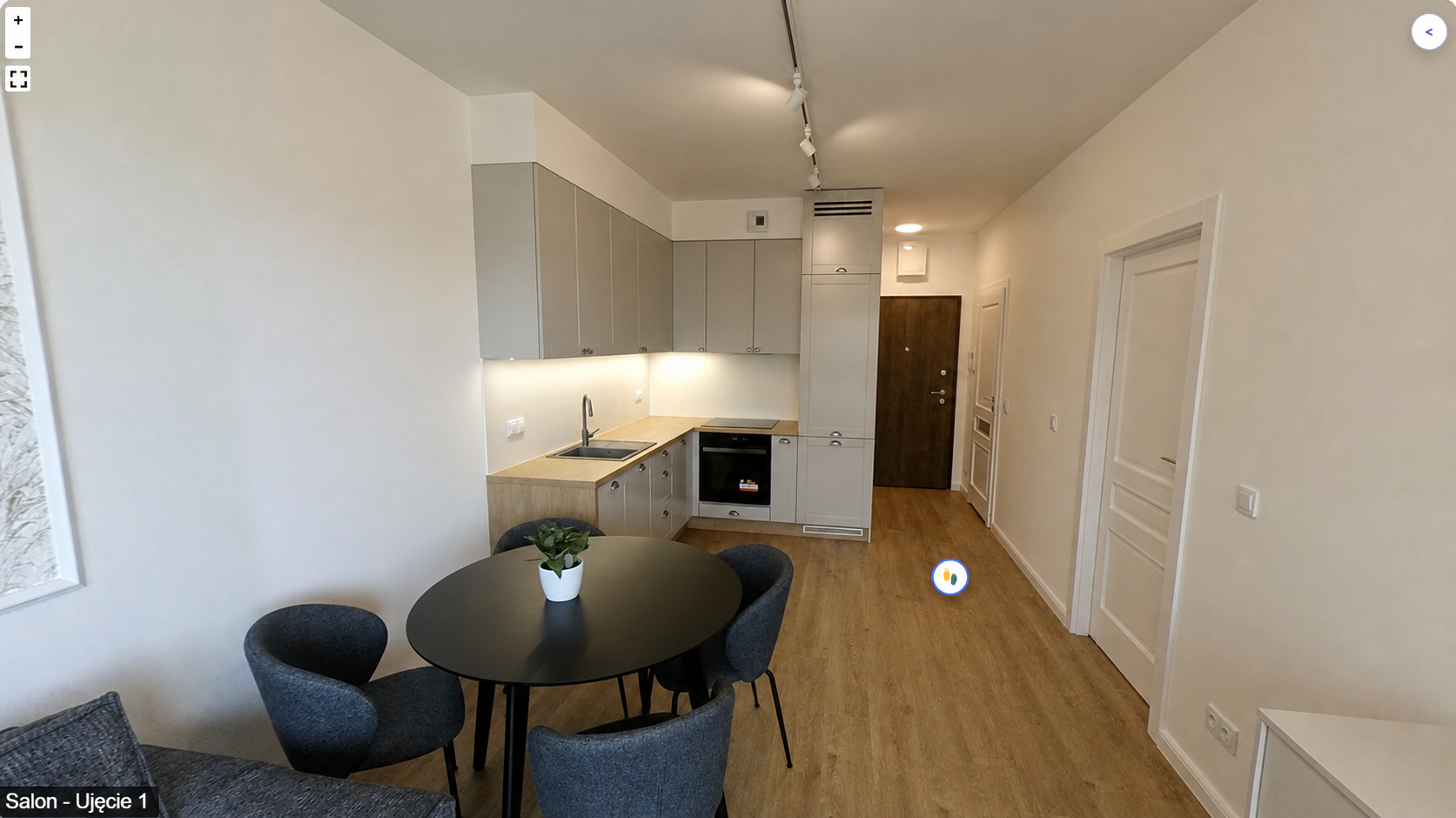
Two ways to navigate
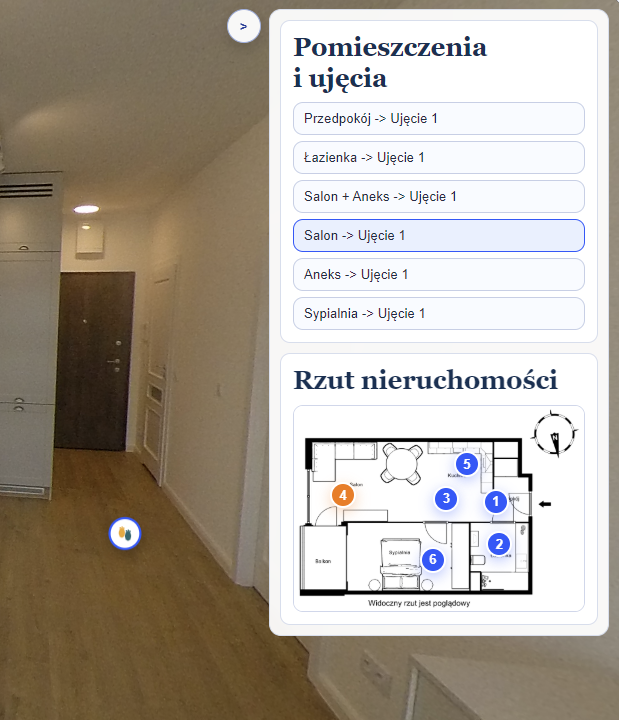
The shot list and floor plan are always within reach
The panel can be opened while viewing a panorama. Visitors select a room from the list or choose a point on the plan without returning to the beginning.
Publishing
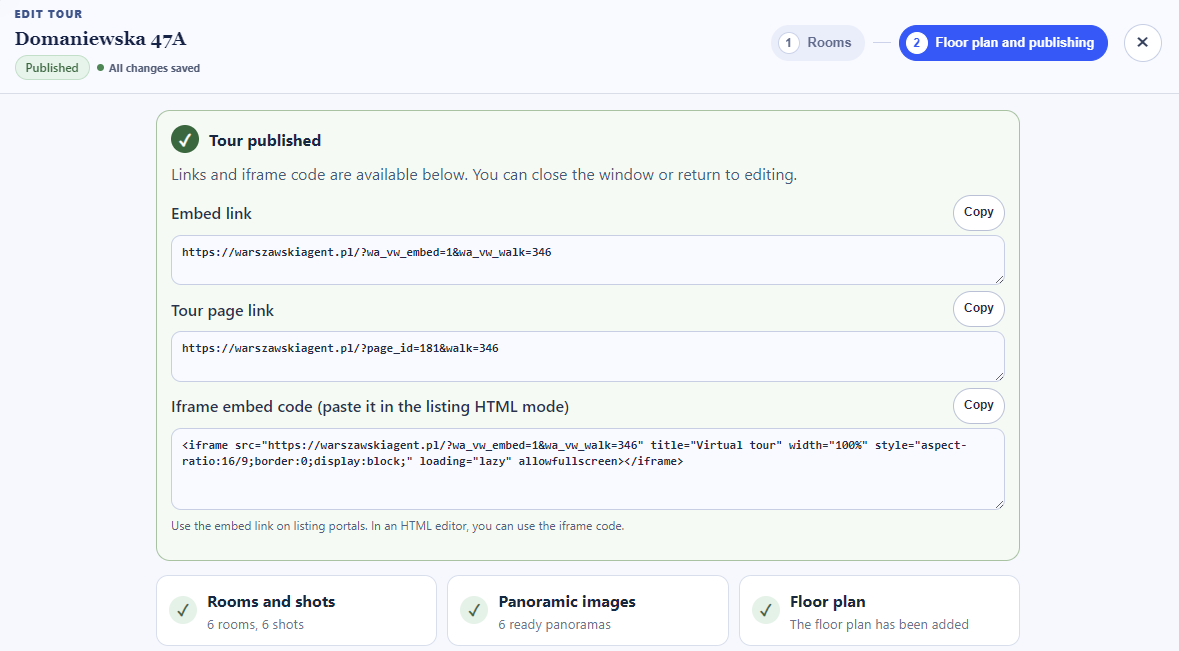
One tour, several ways to share it
After publishing, you receive a direct presentation link, an embed URL, and ready-to-use iframe code. Use them on a listing page or anywhere that supports embedded content.
Tour library
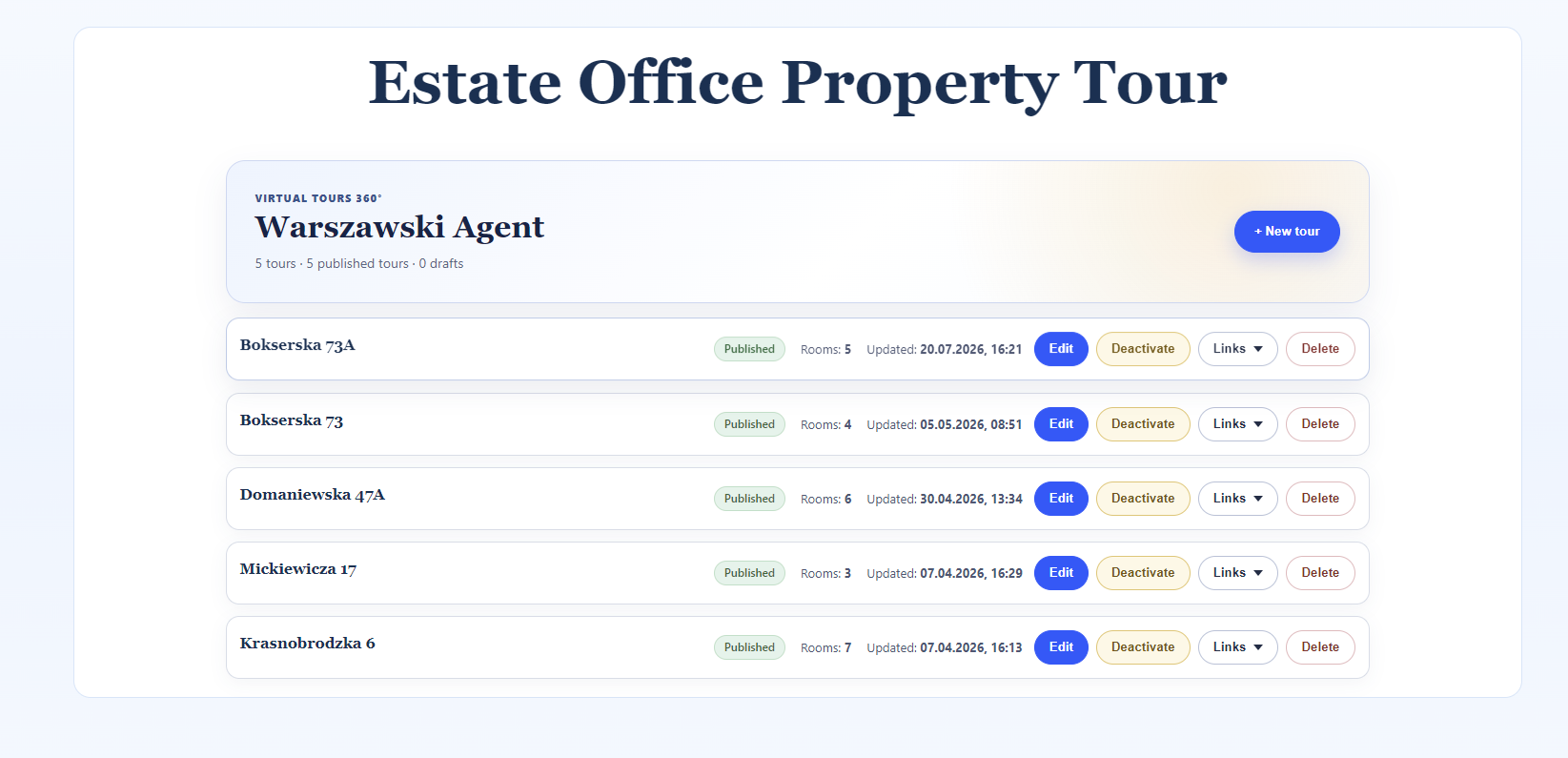
Manage published presentations from one place
The list shows status, room count, and the last update date. Links and embed code can be copied without reopening the editor.
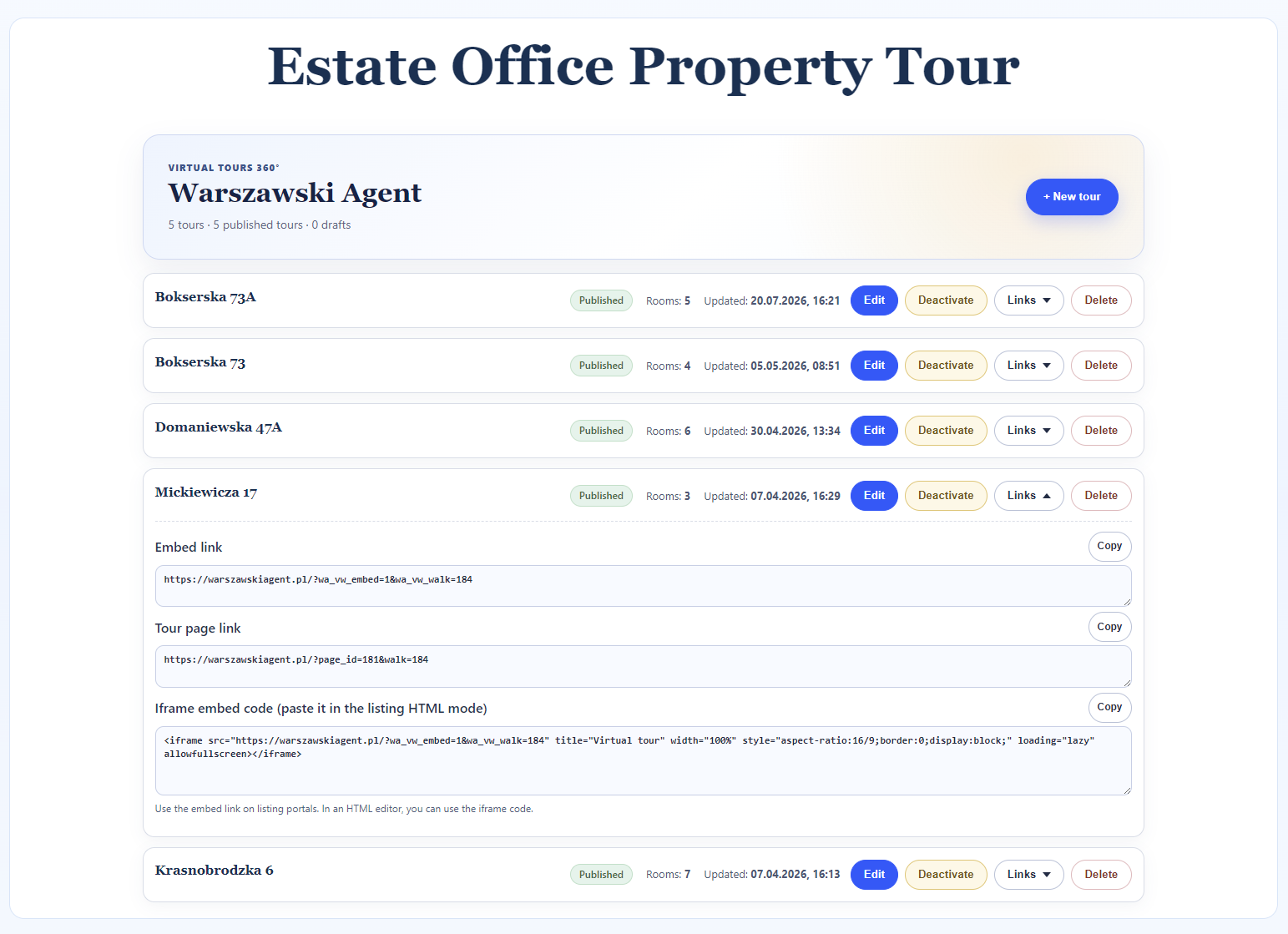
Estate Office Property Tour
Add virtual tours to your WordPress website
Explore the available license options or contact us to discuss how to prepare and publish presentations for your properties.